








Use AI to stay safe, independent, and connected

... without needing to be "Techie"

Start with the book and free group
See program options for your residents

Our Safety Promise: No data sharing. You keep control. We show you what never to share with AI.

Smiling senior couple looking at a tablet together at home

Three Ways to Learn

Most people start with the How Seniors Learn AI book, then move on to courses, or a live training option.

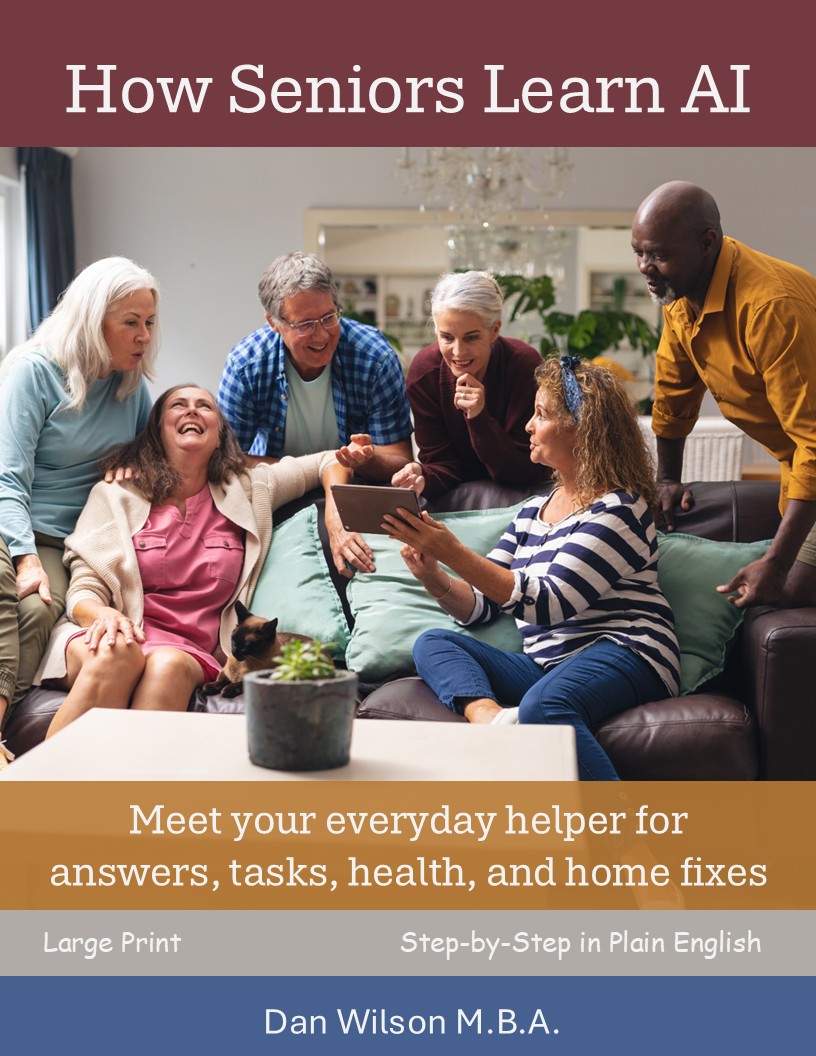
How Seniors Learn AI large-print book cover

Get the Book

Meet Your Everyday Helper for Answers, Tasks, Health, and Home Fixes

  • Large 8.5" × 11" format
  • High-contrast text, generous spacing
  • Screenshots with arrows
  • Practice exercises under 10 minutes

What's Inside:

  • Chapter 6: Taking Your First Steps with AI
  • Chapter 9: AI that Adapts to You
  • Chapter 11: Detecting Scams
  • Chapter 13: Simplifying Official Letters
  • Chapter 16: The Limitations of Using ChatGPT as Doctor
  • Chapter 31: Fixing Things Around the House
  • Chapter 33: Finding Movies, Music & Books You’ll Enjoy
  • Chapter 39: AI as Your Trip Planner
Plus, 5 chapters on the easy way to preserve your life story for loved ones!

And much more . . .

Sold at Top Bookstores

What People Say

jeannie-testimonial

Jeannie

74, Retired

“I thought AI was only for young people. The large-print book and live Q&A sessions made it feel useful for me. Now I use it all the time when I need to look something up or get an answer. It's more useful than Google!

Photo of David, activities director who ran a four-week AI series

David

Activities Director

“Our activity group used the checklists and exercises for a four-week series. The seniors loved that nothing was rushed and everything was explained in simple language.”

tiffany-testimonial

Tiffany

Daughter

It really is a thorough, thoughtful guide with great flow that helps those that don't consider themselves 'tech-savvy' learn about how to use AI tools for things that they actually care about. This was a great gift for my mother to help her navigate this technology; the explanations are clear, the examples are practical, and it made her feel confident about using AI in her daily life


Built with and for older adults, caregivers, and community partners

Join the Community

Seniors learning together. Share tips, ask questions, celebrate wins.

Our Free Facebook Group

  • Free to Join
  • Simple tips you can copy and paste
  • Real stories from other seniors
  • Friendly answers to your questions
  • No question is "too basic"

Online Courses

  • Free and paid options
  • Go deeper into topics you care about
Group of adults, including a senior woman, learning together with laptops
Volunteer helping a small group of senior women use a laptop together

Courses, Workshops, and Training

Learn, ask questions, practice together, & get help with tasks that matter to you.

For Individuals and Small Groups

  • Personalized sessions
  • Small group classes with friends
  • One-on-one coaching sessions

For Organizations:

  • Ready-to-go workshop programs
  • 3 to 6-week enrichment series
  • Train-the-trainer options

Built From the Ground Up for Seniors

We Start Where You Are

Most tech guides assume you already know the basics. We assume you're intelligent but new to AI. If you can text your grandkids and check Facebook, you have enough skills to start.

We Focus on Safety First

Every chapter includes clear reminders about what to share and what to keep private. You'll learn the red lines before you learn the fun stuff.

We Use Real-Life Examples

No abstract theory. We show you how to handle Medicare letters, spot scams, organize medications, plan trips, and write to family. Tasks you actually need to do.

We Expect Mistakes

When something goes wrong (and it will, it happens to everyone), we tell you exactly what to do. Mistakes aren't failures. They're how you learn.

We Speak Plain English

No jargon. No corporate buzzwords. Just clear, kitchen-table conversation. If something seems complicated, we've explained it wrong, not you.

Group of seniors smiling and raising glasses together at a meal

About Your Instructor

Dan Wilson, instructor and creator of How Seniors Learn AI

About Dan Wilson

Dan Wilson brings 25 years of experience in software engineering, product development, and architecture to his work teaching seniors about AI.

After watching his own parents struggle with confusing technology, Dan created a program that assumes intelligence, not tech expertise. He’s taught AI workshops at senior centers, libraries, and independent living communities across the United States.

Dan believes technology should serve people, not confuse them. His approach is simple: start where you are, move at your pace, and focus on what actually matters to your daily life.

“The mind is not a vessel to be filled but a fire to be kindled.” — Plutarch (Dan’s favorite quote)

Multiracial group of seniors gathered around a laptop, talking and smiling

Bring This Program to Your Community

Senior centers, libraries, churches, and independent living communities rely on us for safe, practical AI education that integrates seamlessly without increasing staff workload. We offer more than just AI curriculum for retirement communities; our services extend to popular offerings such as Senior center enrichment programs (like life story projects) and essential staff training on AI safety for caregivers.

What's Included:

  • Complete session outlines and materials
  • Large-print books for all participants
  • Staff training and ongoing support
  • Evaluation tools and outcome reports
  • Start quick with Book-Club-In-a-Box

Need More Info?

We’ve put together a downloadable toolkit to help program director’s out. This free toolkit walks you through every step, from gauging interest to measuring outcomes.

Questions We Hear Often

Is this only for “tech-savvy” seniors?

No. We designed this program to include people who didn’t grow up with computers. If you can text your grandkids and check Facebook, you have enough tech skills. We start with the absolute basics and assume you’re intelligent but new to AI.

Most seniors use a smartphone, tablet, or basic laptop. You don’t need anything special. The book is large-print and can be used on its own. The online community and workshops are there if you want extra support.

No. The book is a one-time purchase. The Facebook group is free. Courses and workshops are optional, and only for those who want them.

We don’t collect personal information beyond what you choose to give us, and we never sell your data. The book teaches you to use free AI tools safely.

You cannot break anything. AI tools are built to be safe for trying things out. This book expects mistakes because that is how everyone learns. We show you what to do when they happen.

Most tech classes move fast, use small text, and assume background knowledge. We’re paced for older adults, use large print with screenshots, and focus on real-life tasks: spotting scams, organizing health information, planning travel, and staying in touch with family.

Yes. You can download Part 1 for free (no email required) to see if our approach works for you. Many libraries also carry the book, so you can check it out before deciding to buy.

Yes. Senior centers, libraries, churches, and independent living communities can bring our workshops to their site. We provide complete curriculum, materials, and training. Contact us to discuss options for your group.